Showing posts with label note. Show all posts
Showing posts with label note. Show all posts
Thursday, June 1, 2017
Unlock Bootloader of Redmi Note 3
Unlock Bootloader of Redmi Note 3

How to Unlock
After the device is unlocked, it becomes less secure and more vulnerable to malware attacks, which may lead to the disclosure and loss of your private data.
Some features which require high security level (e.g., Find device, added-value services, etc.) will no longer be available.
Some features which require high security level (e.g., Find device, added-value services, etc.) will no longer be available.
Please follow the steps below:
Step 1. Download the Mi Unlock app to PC, and sign in with your Mi Account;
Step 2. Shut down your phone manually, and hold Volume down key and Power button to enter Fastboot mode;
Step 3. Connect your phone to PC using USB cable and click "Unlock".
Step 2. Shut down your phone manually, and hold Volume down key and Power button to enter Fastboot mode;
Step 3. Connect your phone to PC using USB cable and click "Unlock".
Download Mi Unlock
If you getting any error please comment here.
Available link for download

Tuesday, April 25, 2017
Root Redmi Note 3 Snapdragon and Install TWRP with OTA updates
Root Redmi Note 3 Snapdragon and Install TWRP with OTA updates
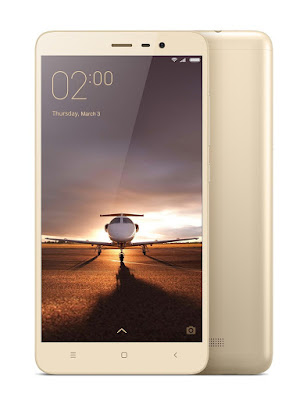
Preparation for Rooting
1. Unlock your Bootloader. Here is the guide to unlock.
2. Install the USB Driver for Redmi Note 3 or you can simply install MI PC Suit from here. It will automatically install the drivers.
3. Download the Root package from the link below at the end of the post.
4. Extract the file and you will see Flash.bat. Power off your device and open the fastboot mode by holding the VOLUME DOWN + POWER button.
5. Now run Flash.bat and hit enter.
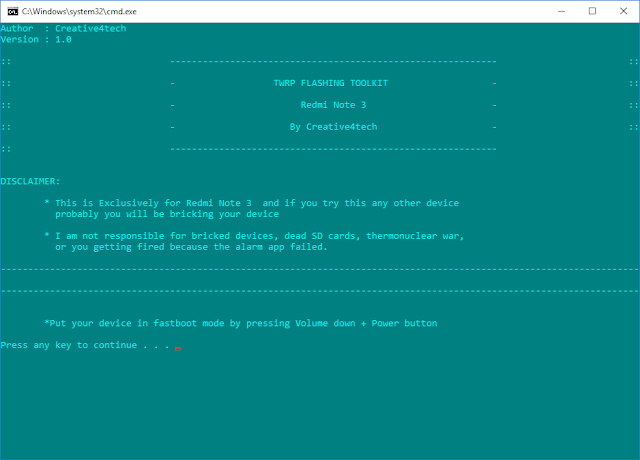
After the process is completed the it will reboot to recovery.
Install the Super Su from Advance option in TWRP Recovery.
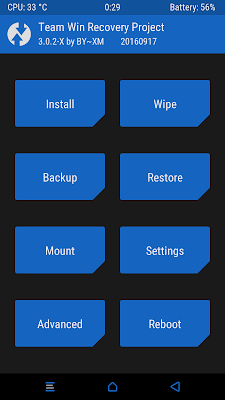
Click on SuperSu
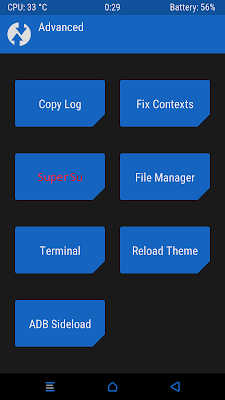
Slide to install
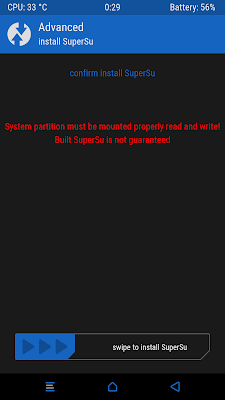
After Installation click on Settings and check Support MIUI-OTA option to install further updates.
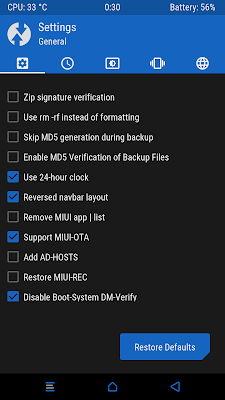
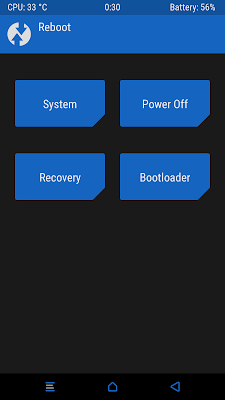
All done now Enjoy.
TWRP Redmi Note 3 Root Package
Available link for download
Friday, April 21, 2017
Marshmallow for Redmi Note 3 MIUI 8 1 1 0 OFFICIAL ROM
Marshmallow for Redmi Note 3 MIUI 8 1 1 0 OFFICIAL ROM

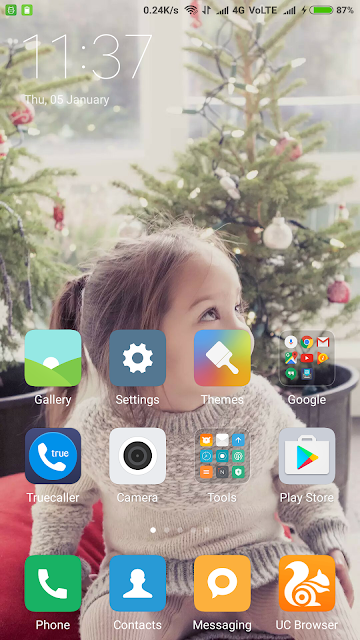
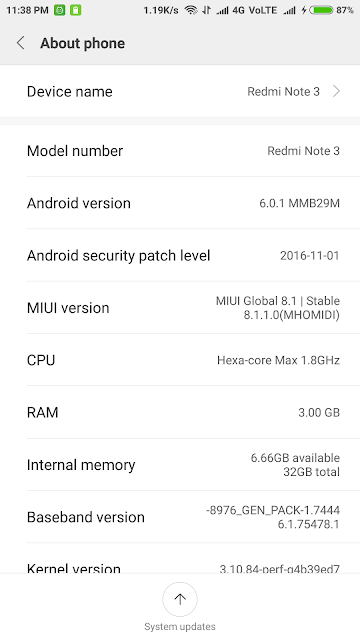
Redmi Note 3 Marshmallow Update MIUI 8.1.1.0
If you are unable to update your Redmi Note 3 to Marshmallow version then you can download official update from here. The update file is available in both Recovery and Fastboot version.
Recovery Update:- Download Recovery update zip file and open updater then click on 3 dots then you see Choose Update package. Then browse for the file and phone will reboot into recovery.
Fastboot Update:- Download Fastboot update file and extract it. Then flash it with MI Flash Tool.

Download Fastboot ROM [1.6GB]
Download Recovery ROM [1.3GB]
Available link for download
Subscribe to:
Posts (Atom)